
Case Studies
Voice-to-text Chrome extension with AI post-processing
| Client: |  VoxWrite |
| Industry: | Extensions |
| Location: | Worldwide |
| Budget: | $5 000 |
| Tech Stack: | |
| Website: | https://voxwrite.app |






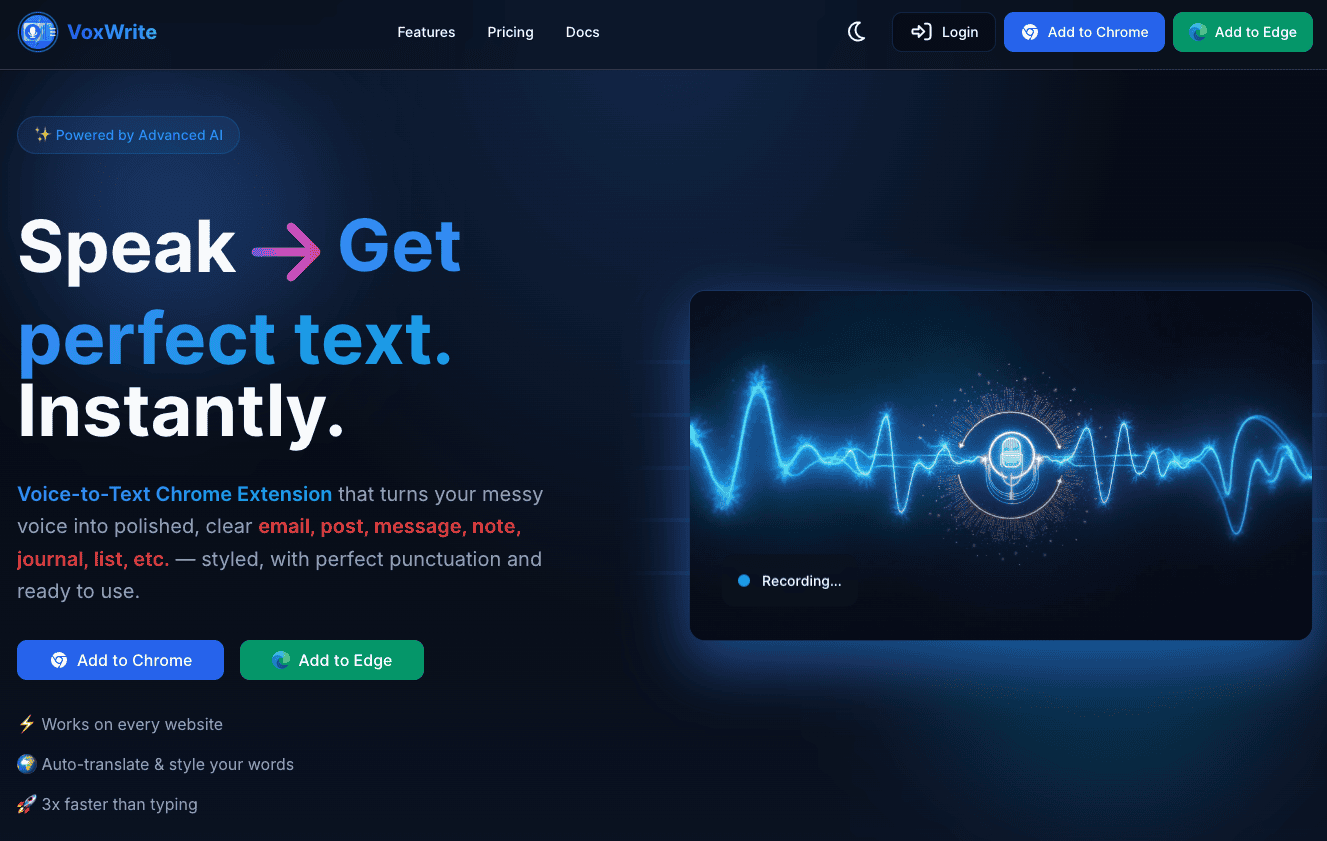
What is VoxWrite?
VoxWrite removes the pain of typing.
Instead of struggling with a keyboard, fixing mistakes, or rewriting messy notes, you just talk — and VoxWrite turns your speech into clear, polished text you can use right away on any website.
It cuts out slow typing, awkward wording, grammar errors, and cleanup work.
Emails, posts, reports, notes, ideas, to-dos, plans, newsletters — VoxWrite helps you get them done faster with less effort.
This project was a full-cycle product development.
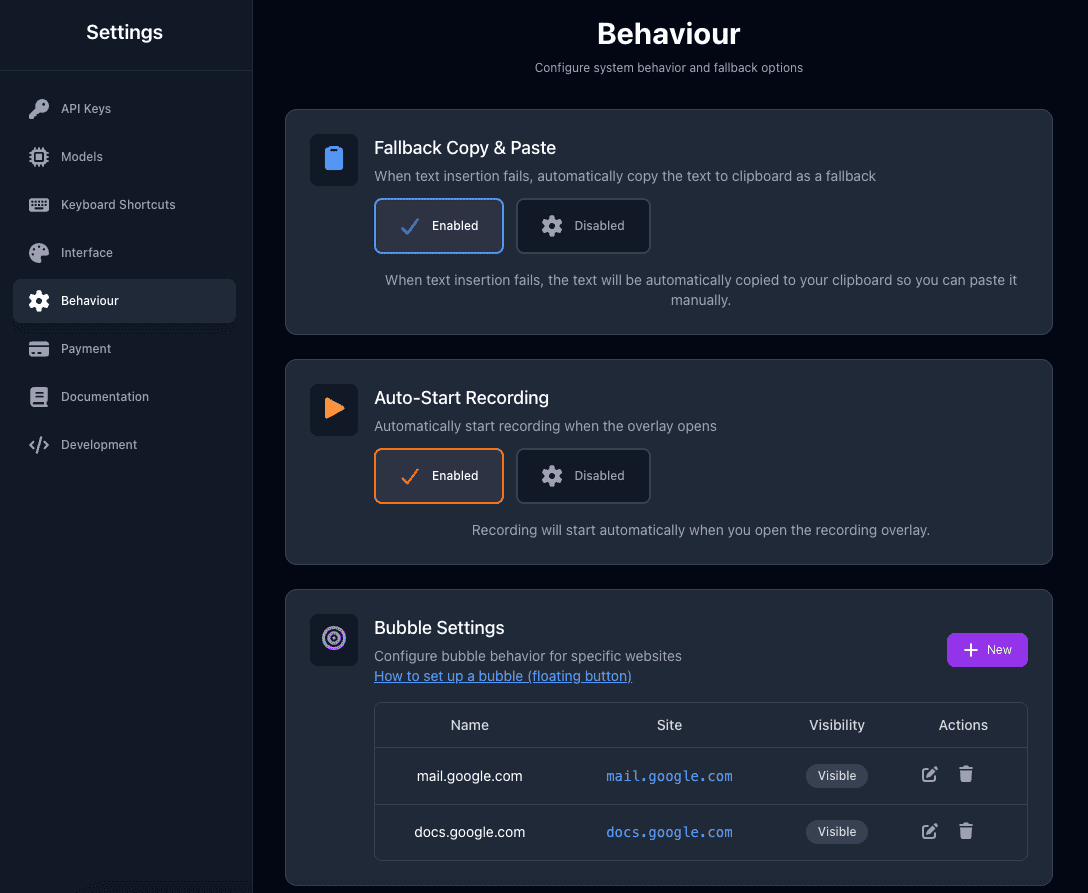
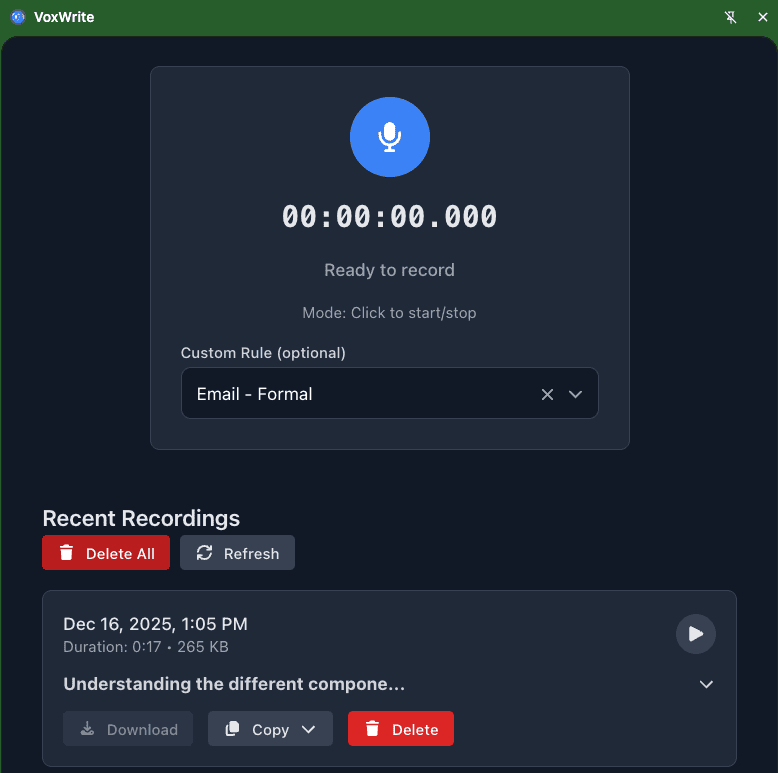
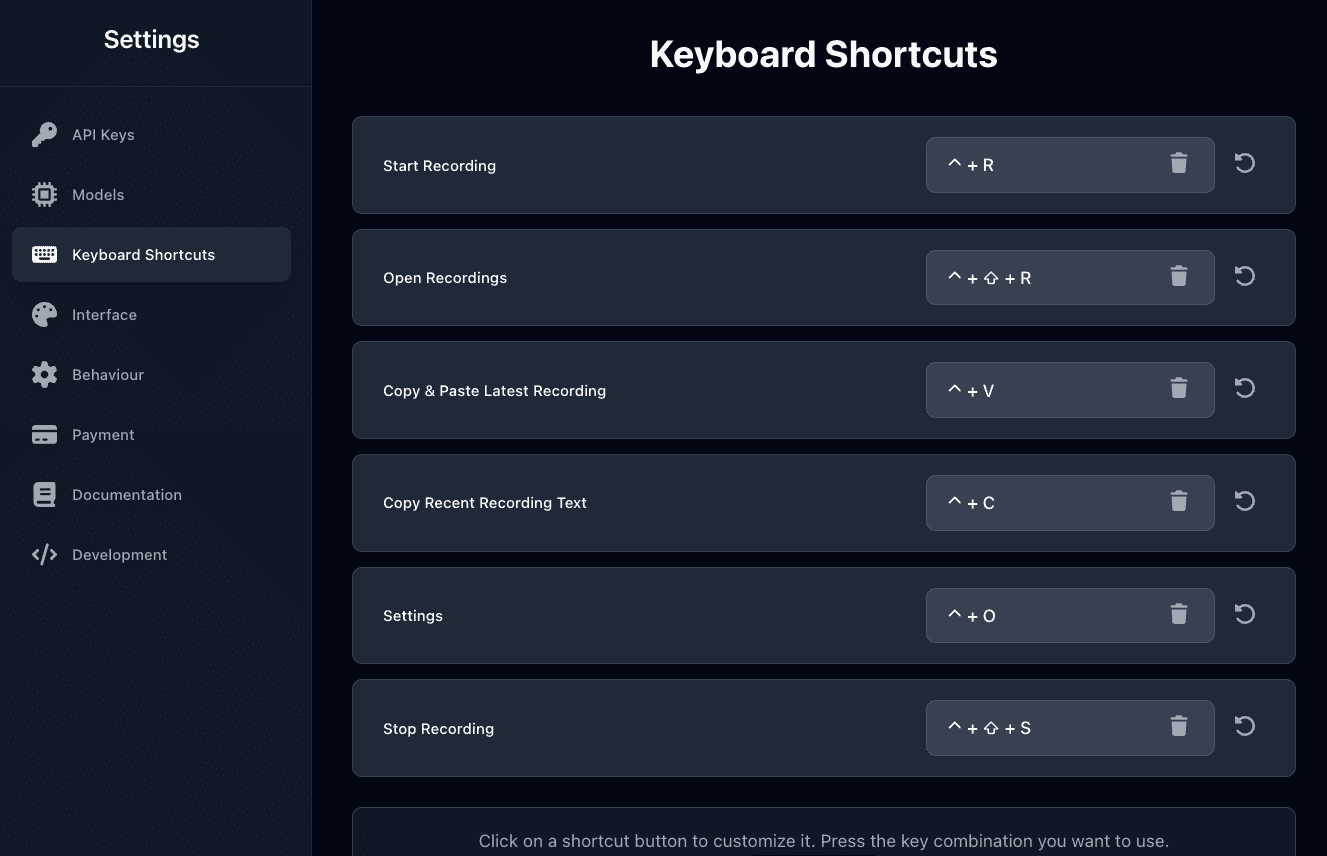
First, we built the browser extension itself. It was the core of the product and handled the main user functionality.
Next, we developed a marketing and service website where users could learn about the product, sign up, and manage their accounts.
We also integrated a payment system, allowing users to pay easily and securely for the service.
On the backend side, we created a custom API for processing, which connected the extension, the website, and the payment system into one smooth workflow.
As a result, the client received a complete, scalable solution — from extension and website to payments and backend processing — all working together as one product.
Challenges
Understanding Chrome Extension architecture: One of the main challenges was clearly understanding how different parts of a Chrome Extension work together and how they interact with the browser. This included content scripts, background scripts, permissions, and communication between them.
Proper microphone handling: Another challenge was working with microphone access in the browser. We had to handle permissions correctly, ensure stable audio capture, and make sure the microphone worked smoothly across different user scenarios without affecting performance or privacy.
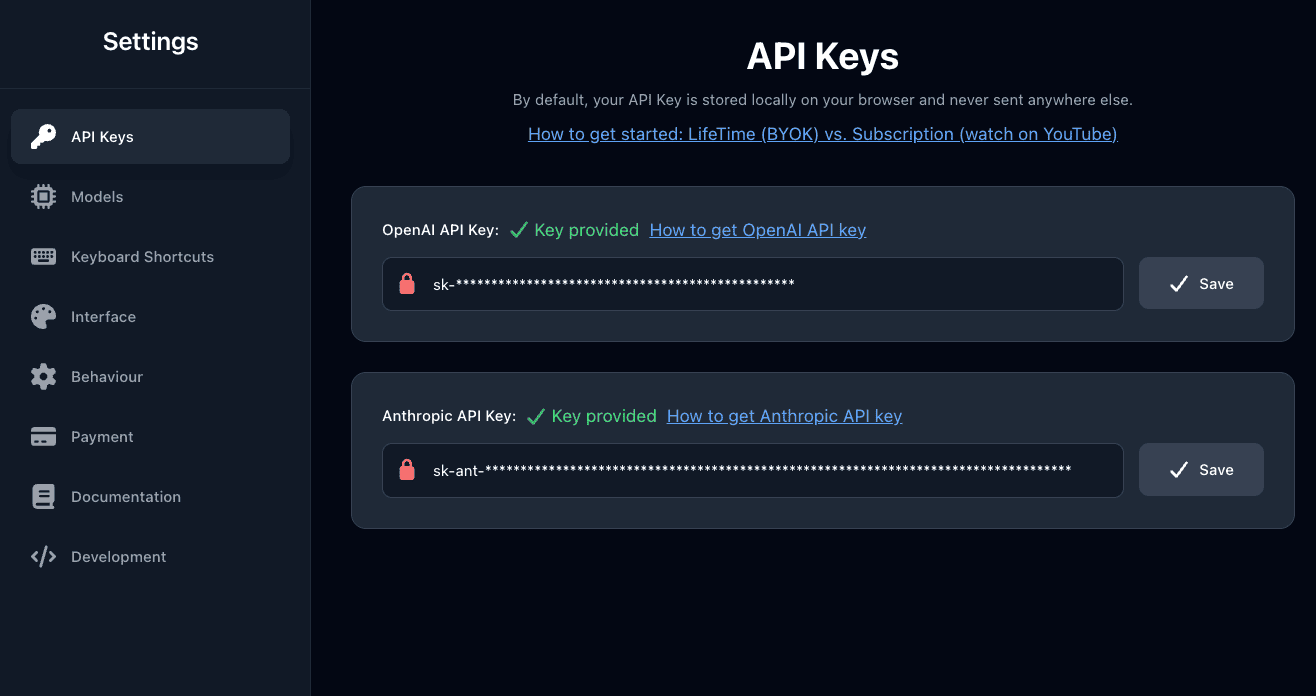
Implementation of two different options for payments: BYOK(Bring your own key) and SaaS. The ability to purchase an extension both for those who want to use their own API keys to access AI providers and for those who would like to delegate the management of AI infrastructure has slightly increased the time required for full product development.
Scope of work
Development of the Chrome Extension
Building the core extension, handling browser interactions, permissions, and main user functionality.
Website Development
Creating a user-friendly website for product presentation, user accounts, and service management.
Backend & API Development
Developing a custom API to process data and connect the extension, website, and payments.
Payment System Integration
Implementing secure and smooth payment flows for subscriptions and purchases.
System Integration
Ensuring seamless communication between all components of the product.
Testing & Deployment
Testing across different scenarios, optimizing performance, and supporting launch and deployment.
API Integration with AI providers
Integration with OpenAI and Anthropic


Results
Fully Working End-to-End Product — Delivered a complete solution where the extension, website, backend, and payments work smoothly together.
Stable Chrome Extension — Built a reliable extension with proper browser integration and microphone handling.
Secure Payment Flow — Implemented a safe and user-friendly payment system with seamless checkout.
Scalable Backend API — Created a processing API ready to handle growth and future feature expansion.
Positive User Experience — Ensured fast performance, clear flows, and easy onboarding for end users.
Do you want to build an extension?
Connect with us! We know how to help you with it.